Plan the shot
before you shoot it.
Build the setup in 3D, see it through the camera and lens you'll use, and walk on set with a plan your crew can follow.
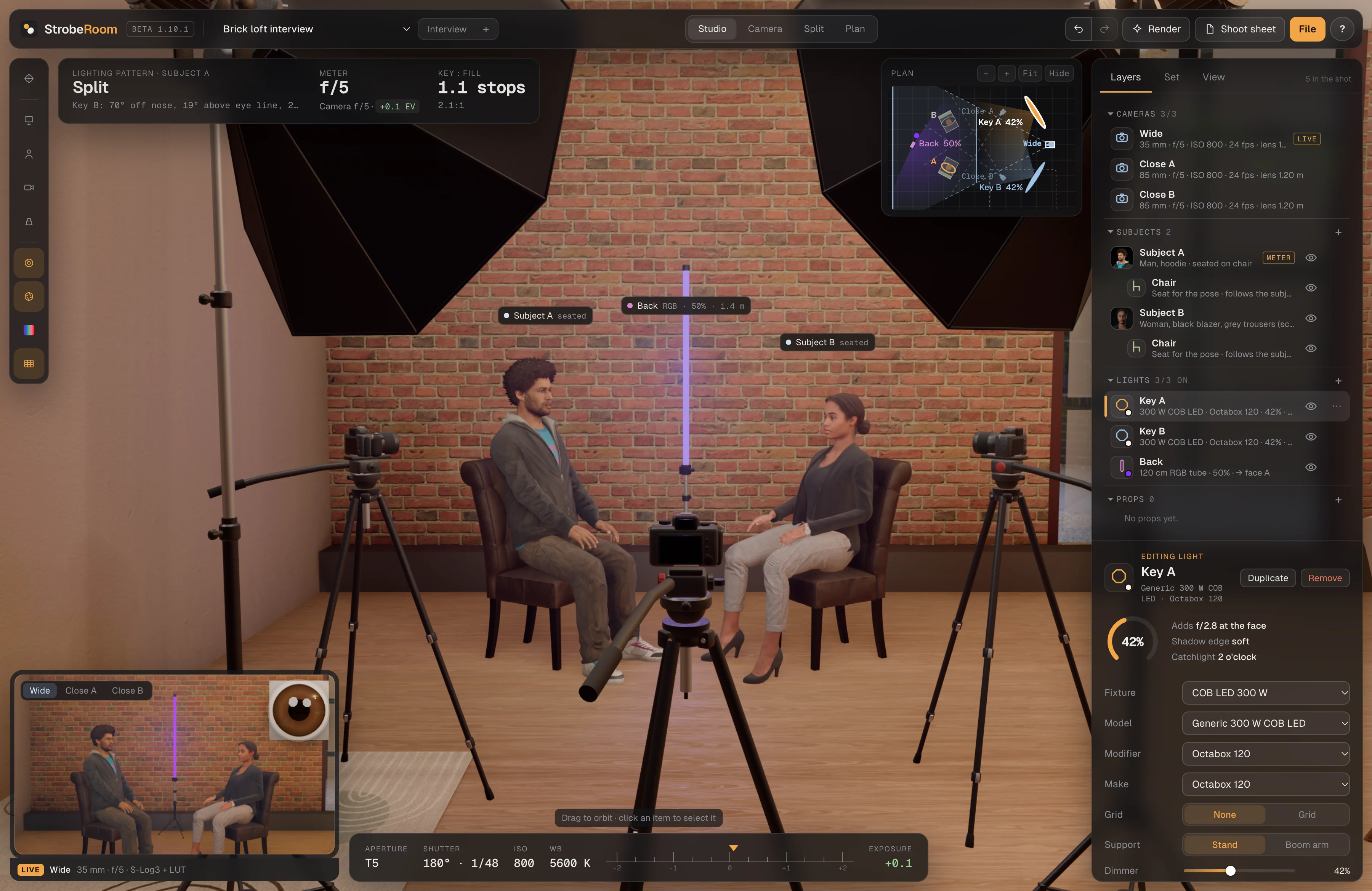


One interview setup, built step by step.
Two lights, an A and a B camera, the person and their pose, a move across the set, then the shoot sheet for the crew. Recorded in StrobeRoom 1.10.3 and cut to one minute.
- 1Add your lightsA 300 W COB LED in a softbox as the key, then a 120 cm RGB tube behind, set to teal.
- 2Set up A and B camsCamera A on a 50 mm for the medium shot, camera B on an 85 mm for the close-up.
- 3Cast your talentClick a face to change the person. Both camera frames show the new one.
- 4Set the poseChoose a seated pose and the right seat comes with it.
- 5Move them in the setDrag the person to a new spot. Lights and cameras stay on them, and the meter gives the new exposure.
- 6Export the shoot sheetTwo pages for the crew: the camera frames, the floor plan and every light with its setting, saved as a PDF.
Look at the set the way each decision needs.
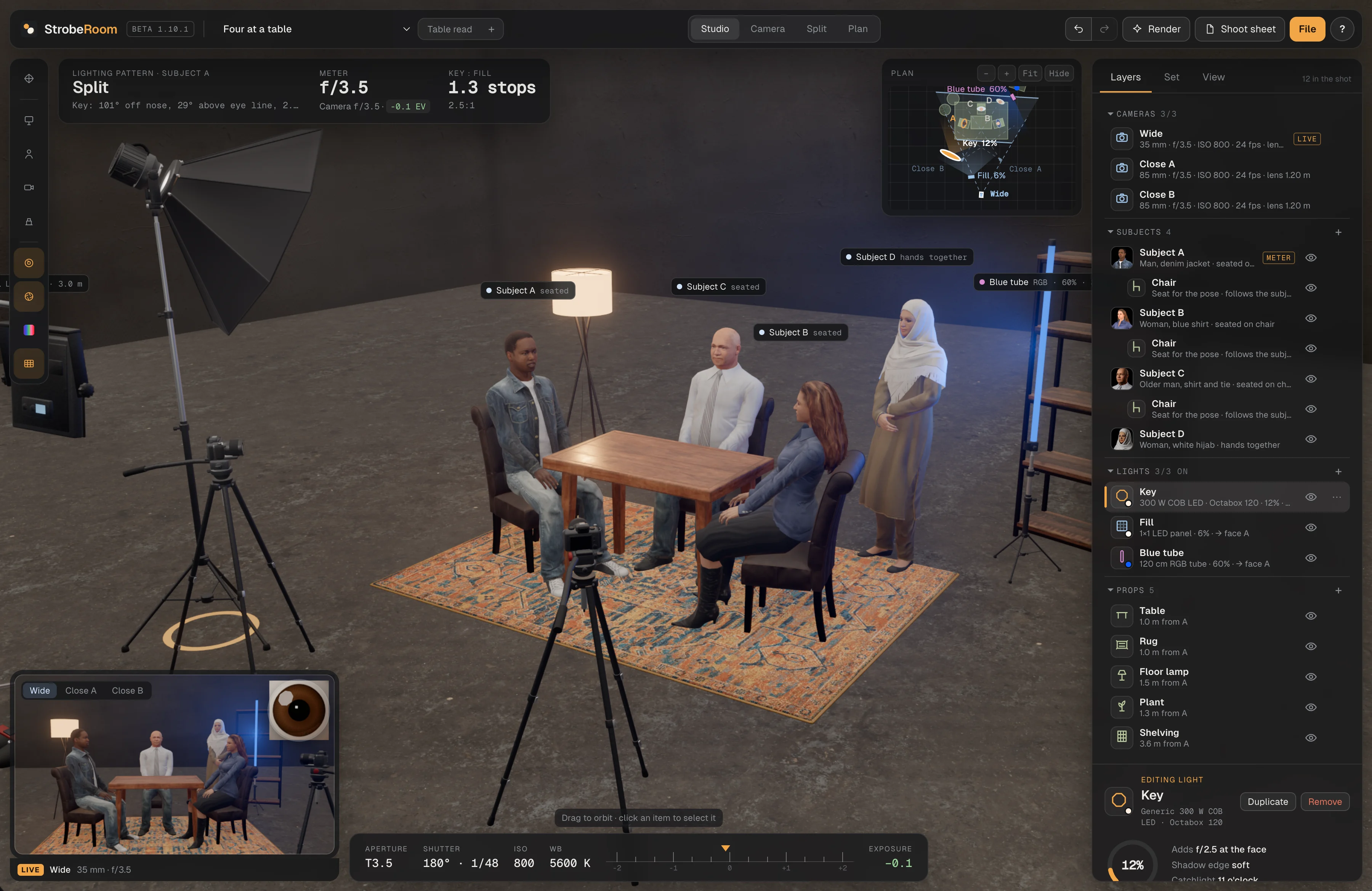
Studio to arrange the room, Camera to judge the frame, Split to see both while you work, Plan to read angles and distances from above. Every view stays in sync.


Arrange the whole room.
Place people, stands, modifiers, furniture and practicals, then orbit around them. Labels show each light's output and distance as you drag it.
Judge the frame.
The full view through the selected camera: lens, exposure, depth of field and picture profile, with a catchlight close-up of the eye.
Move a light, watch the shot.
The studio and the camera side by side, so every change to the set shows up in the frame as you make it.
Read the geometry.
A top-down plan with distances, angles and camera coverage, drawn the same way it prints on the shoot sheet.
Same shortcuts as the app: ⇧ + 1–4, or the arrow keys on the tabs.
See what the camera records, not just what it frames.
Pick a body and lens, set exposure in real units, and preview log profiles and your own LUTs before the shoot. Switch the profile on this frame from the apartment set.
The waveform in the corner reads the frame from 0 to 100. On this page the profiles are an illustration; the app uses the manufacturers' published log curves.
Profiles and LUTs →Light inside a real room.
Pick a prebuilt scene and its windows and lamps become lights you can switch and dim, next to your own fixtures. Walls between you and the action step aside, the way a film set pulls a wild wall.


The Brick loft apartment set. Switch the windows on for a daylight street view outside.
A plan your crew can actually use.
One export turns the scene into a two-page PDF or PNG. Tap a point to see what's on it.


What changed in the latest builds.
Release notes and notes from development, posted with every beta build. All news →
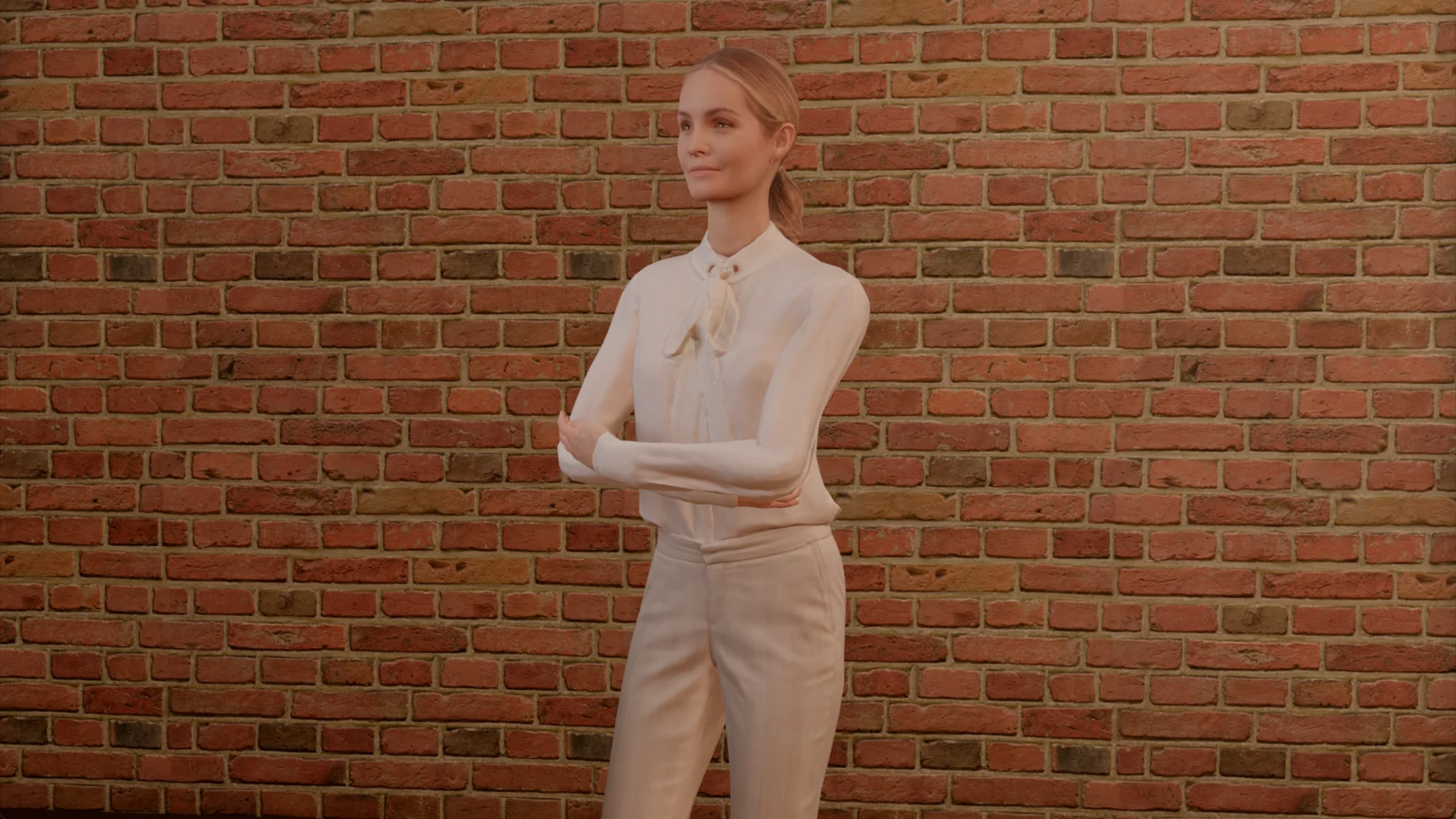
StrobeRoom 1.13: standing poses that fit each person, and expressions for everyone
We went back to the standing poses: arms crossed, hand to chin, hands in pockets, hands together and hands on hips now fit each of the 20 people. Also in 1.13: expressions for Eric, Claudia and Carla, less graphics memory, and a first look at the next 3D set, a cafe.
Read the post →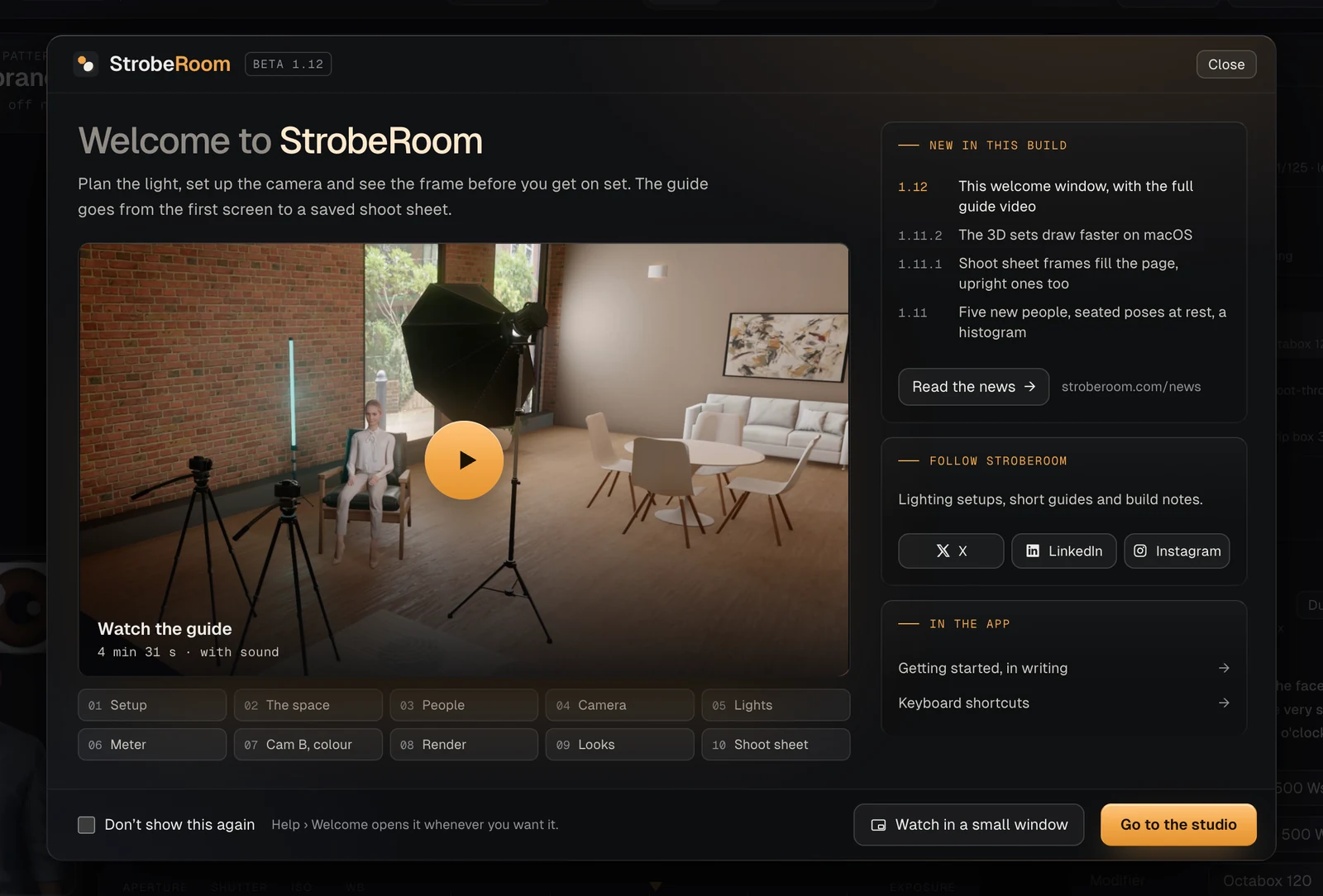
StrobeRoom 1.12: a welcome window and the full guide
StrobeRoom now opens on a welcome window, with a video that builds one shoot from the first screen to a saved shoot sheet. Also here: the two updates since 1.11, with a shoot sheet that fills the page and faster 3D sets on macOS.
Read the post →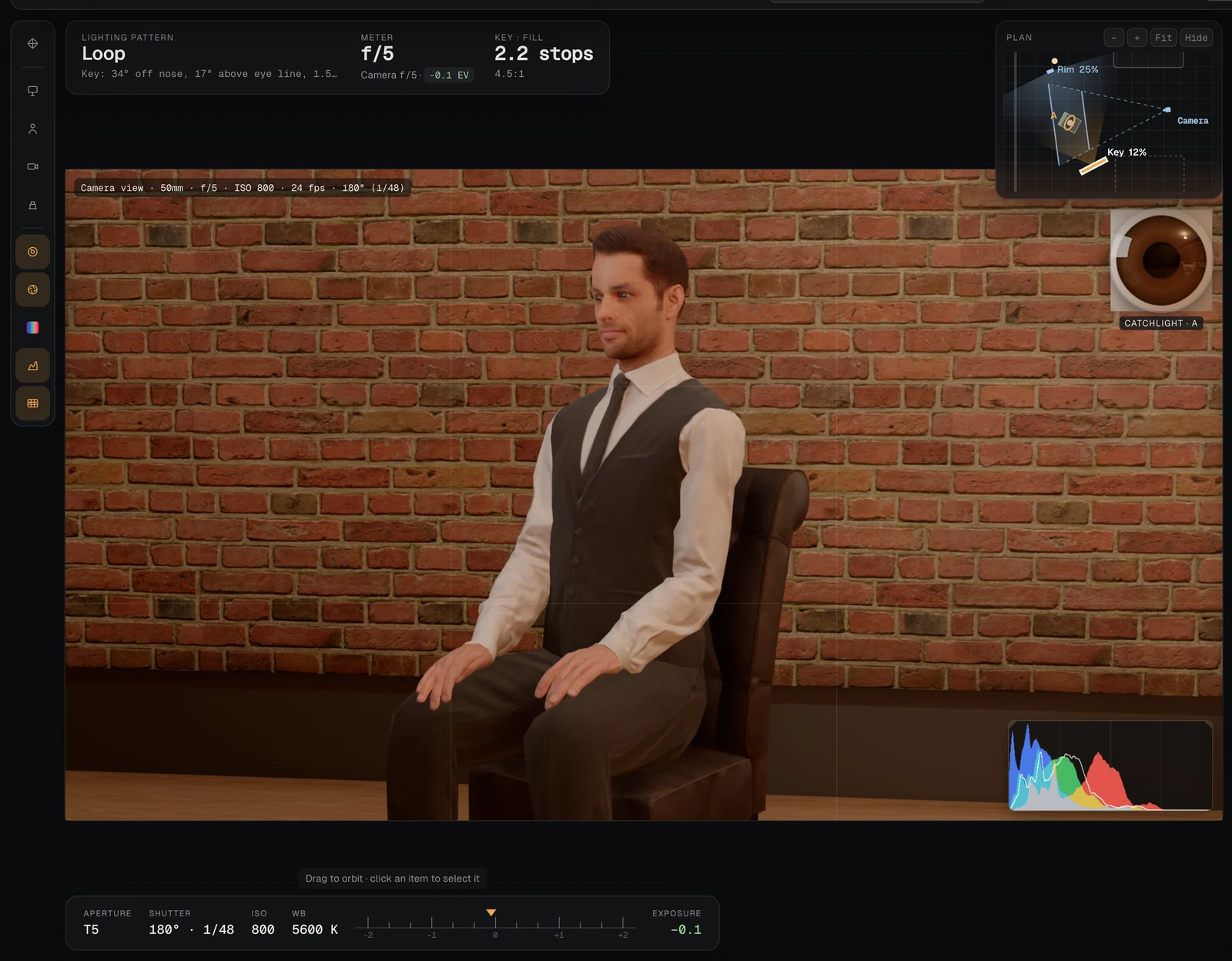
StrobeRoom 1.11: people who sit at rest, five new faces and a histogram
We went back to how people sit: hands rest on the thighs and arms hang. Also in 1.11: five new people, a first name for everyone in the cast, and a histogram in the camera view. With before and after pictures.
Read the post →Bring your next setup into StrobeRoom.
Join the list for an invite to the Windows and macOS beta.