
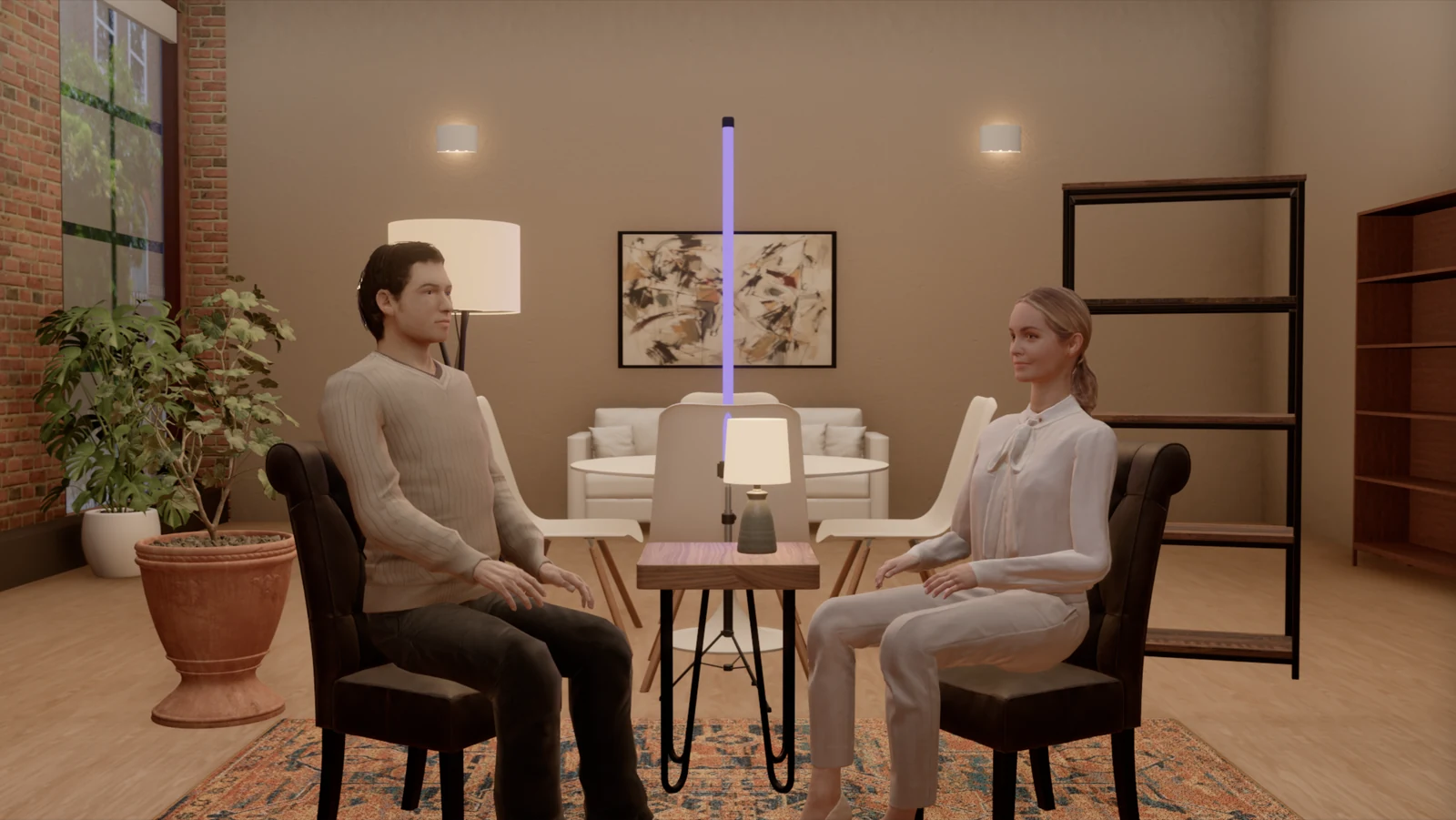
StrobeRoom 1.10 is about how the picture holds up when you look closely: at an eye in a 105 mm frame, at the edge of a split-light shadow, at a softbox reflected in a table top. Those were the places where the picture fell short, so that is where we spent this update.
The live view also shows bounce light now, the high-quality render agrees with the meter, and the apartment's furniture is at real size. The meter reads the same as before on every built-in setup.
Updated November 10: hair for the scanned people, a faster studio view and long sessions that no longer build up graphics memory. Jump to the update.
Faces up close
A close-up is the hardest test for a 3D face, and the eyes are the hardest part of it. We went through the face one part at a time.
- Eyes: the upper lid and lashes now shade the top of the eyeball, the whites are no longer paper white, and a thin wet line sits along the lower lid. We measured the lid edges on each person, and they follow the expression.
- Catchlights in the shape of the light: a softbox shows in the eye as a rectangle, an octabox or beauty dish as a disc, a tube as a line.
- Teeth and mouth: teeth are off-white and darker toward the back, and the inside of the mouth falls off into shadow.
- Skin: the shadow edge of a split or Rembrandt light goes soft and slightly warm, the way light travels a little under real skin. Forehead, nose and chin are shinier than the cheeks.
- White clothes: shirts and blouses used to clip before the face was exposed. We now hold them at paper white.
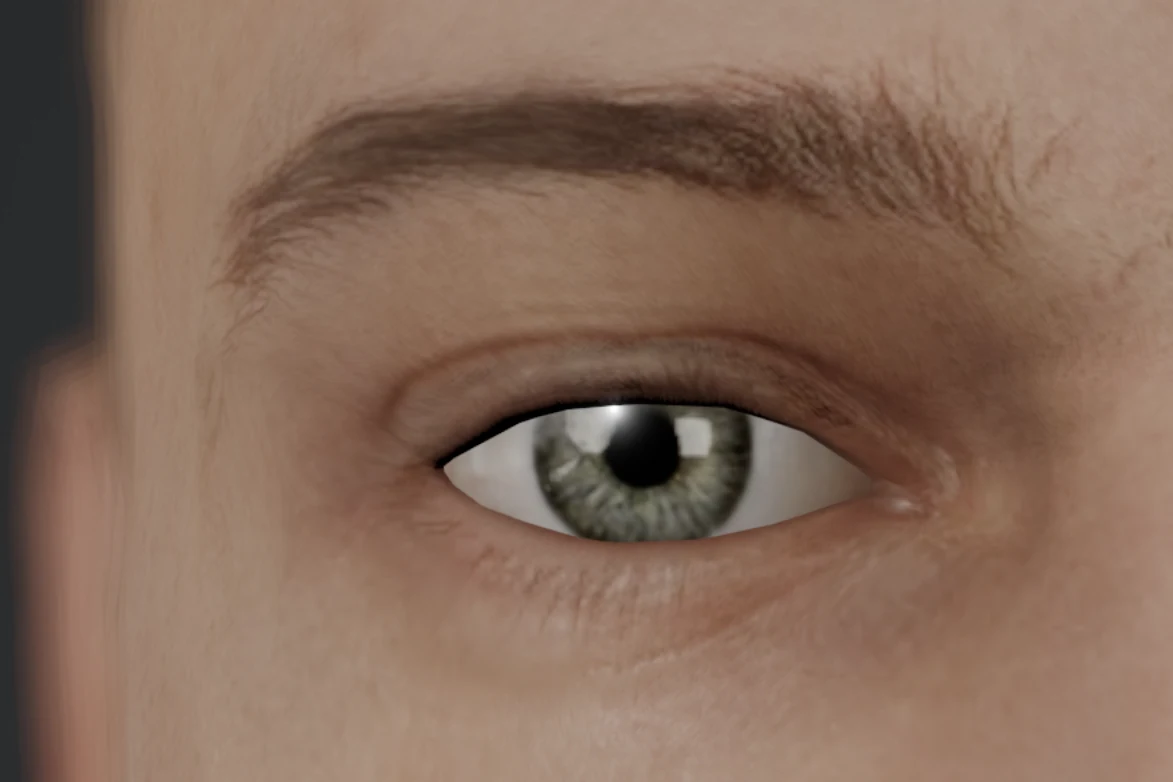
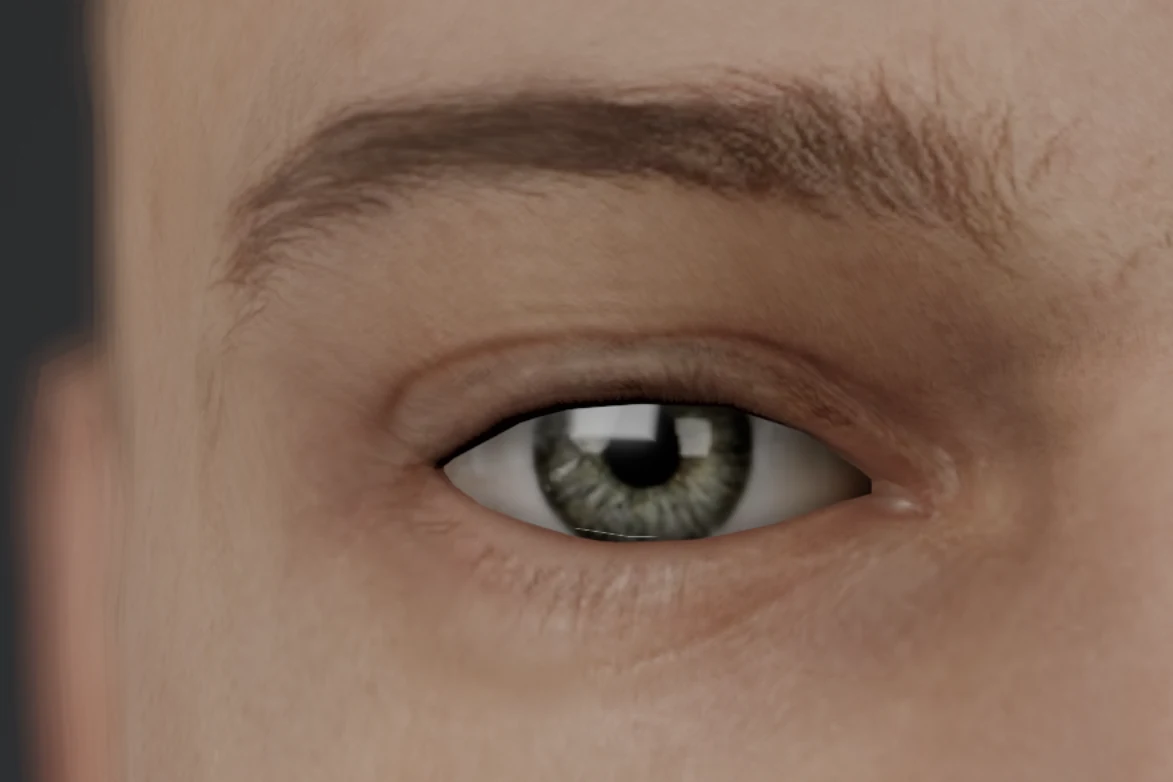
Same person, same softbox, same 105 mm lens.
Highlights that match the modifier
We used to draw every highlight as if the light were a point. Now the highlight a light leaves on skin, on a polished floor or along a leather armrest has the shape and size of the modifier's face. Shadows and exposure are unchanged; only the highlight is drawn from the real face of the light.
Bounce light in the live view
Light that comes back off the floor, the walls, the furniture or a white shirt used to appear only in the high-quality render, so the live view of a room came out darker than its render. The live view now shows bounce light, with the colour of the surface it came from, and spreads room light the way the render does. It catches up a moment after you stop moving a light.
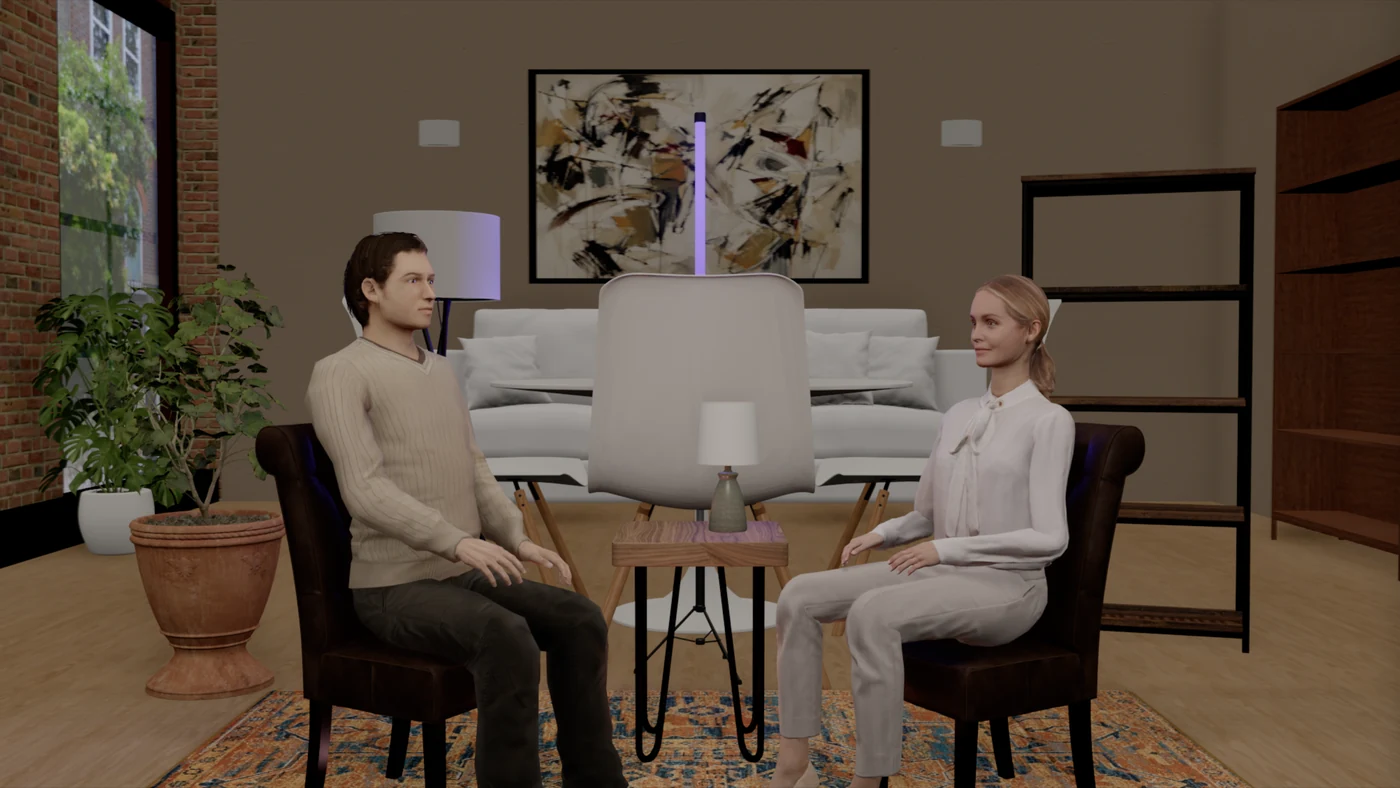
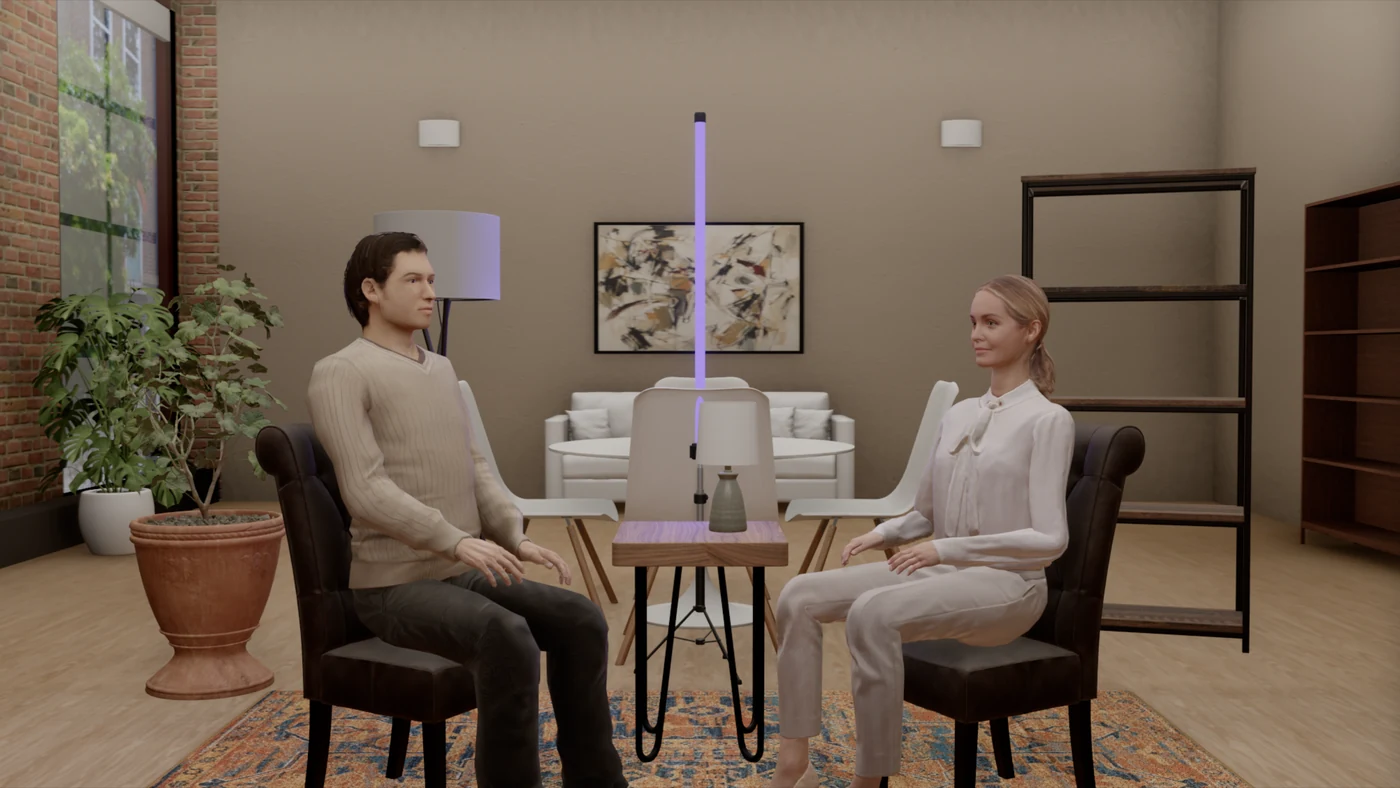
- Back wall, live view against the render 1.7 stops darker → within 0.2 stops
Measured on the two-person podcast setup in the apartment. The people are within 0.2 stops as well.
A render that agrees with the meter
Faces in the high-quality render used to come out brighter than the live view, and a render that disagrees with the meter is hard to trust. The render now lights from each modifier's real face and gives the aim point what the meter reads. Window daylight in the apartment is matched to the meter as well.
- Faces, render against the live view 0.4 to 0.7 stops brighter → within 0.15 stops
The apartment at real scale
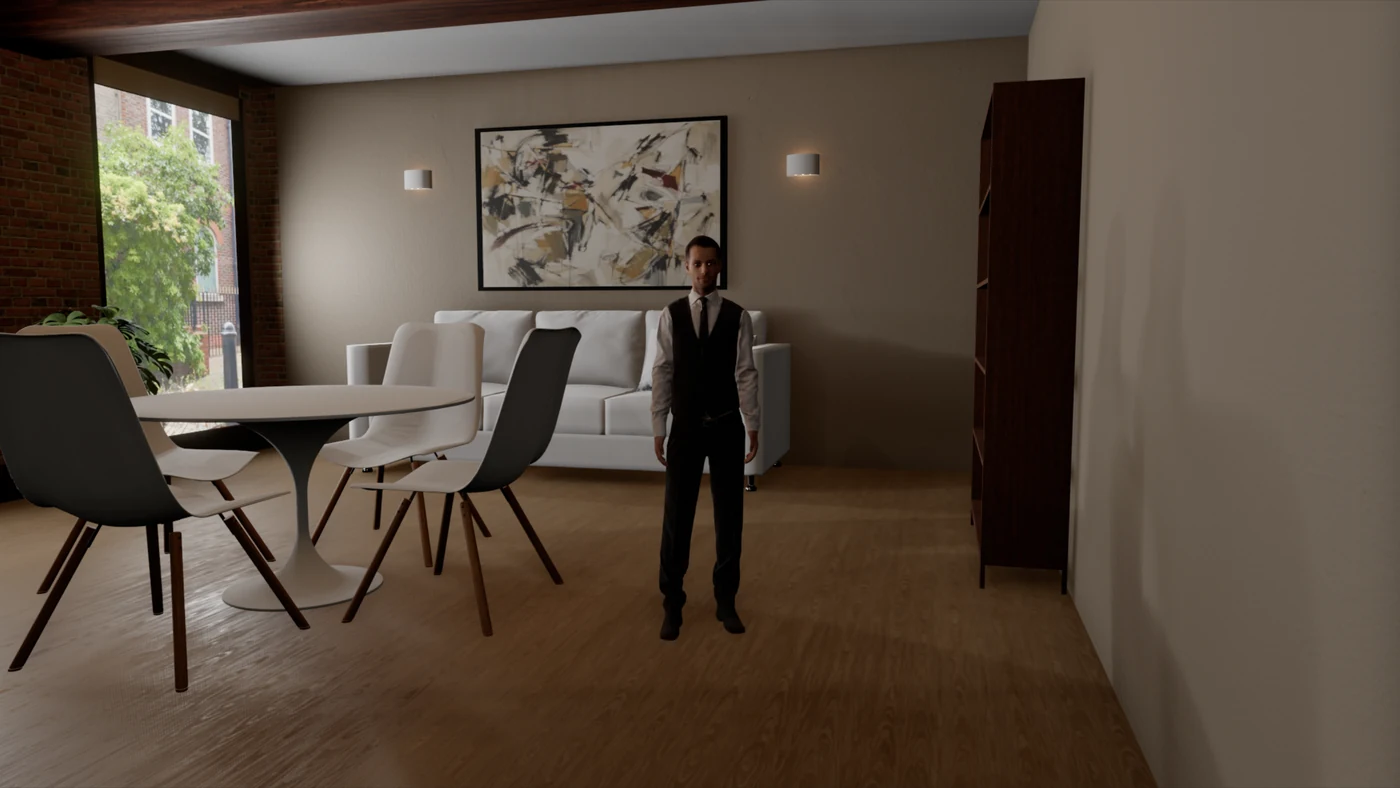
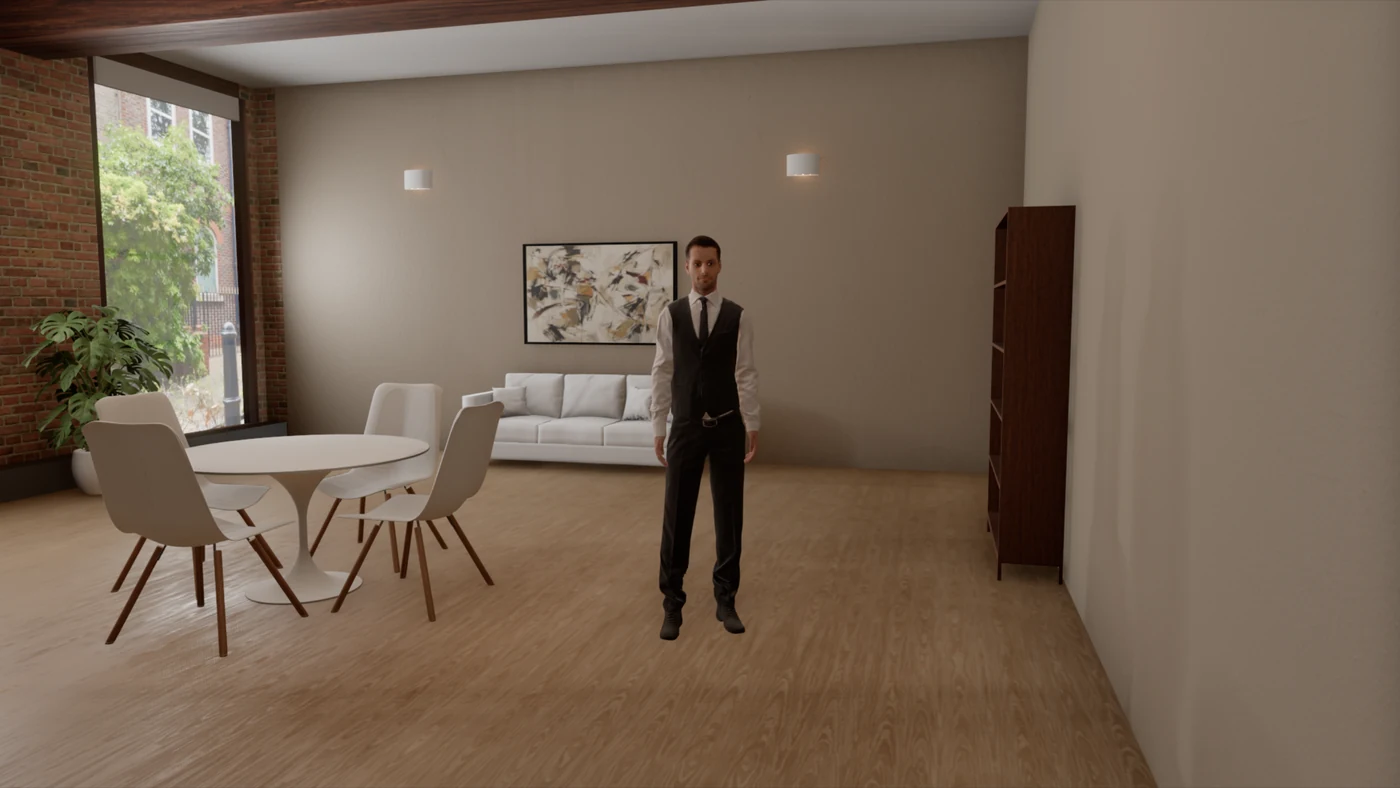
The room was the right size, but its furniture was too big, and it showed as soon as someone stood next to the dining table. We put the furniture at real size.
- Sofa width 3.8 m → 2.2 m
- Sofa seat height 78 cm → 45 cm
- Dining table top at 76 cm, chair seats at 45 cm
- Shelving 2.05 m tall
- Door a standard 1.00 by 2.10 m
Corners and the floor under the furniture also carry soft baked shading.
Steady while the camera moves
Orbiting the studio or moving the shooting camera used to drop the picture to rough single frames, which settled again when you stopped. You look around a setup to judge it, so the picture shouldn't fall apart while you do. The views now keep their resolution, contact shadows and smooth edges while a camera moves.
New in the View panel
- Refine when still: a moment after you stop, the high-quality renderer redraws the camera view, and it goes back to the live view as soon as anything changes. A clean frame takes about 7 to 10 seconds on macOS. Off by default.
- Quality: Standard or High. High makes wide, soft shadows smoother. If the view can't keep up, it goes back to Standard by itself.
- Bounce light: on by default, with a switch to see direct light only.
What didn't change
- Meter readings and lighting ratios are identical on all 14 built-in setups.
- Setups saved in 1.9 open as before and meter the same.
- The default view runs at the same frame rate as 1.9.4 in the studio and a little faster in the apartment.
Update, November 10
We have made four more changes since this post went up. Meter readings and lighting ratios are the same after all of them.
- Hair for the scanned people: the three scanned people keep their photographed hair. It is a photo of that person's own hair, and it holds up better in a close-up than drawn strands. We rounded its outline and laid fine loose strands over it, some of them standing clear of the outline from any side. The high-quality render shows the same strands.
- A faster studio view: orbiting the studio is quicker, most of all in the apartment. With the two-person podcast setup there, the studio view runs about 35% faster and split view about 85% faster. A plain studio with one softbox runs about 10% faster. Some of the furniture also takes less work to draw.
- No trail behind a moving camera: when the camera moved fast, a softbox or a stand could leave a see-through copy of itself for a few frames on brick, a rug or knitwear. We fixed that.
- Long sessions: loading setups, undo and redo, and changing modifiers, people or furniture no longer leave graphics memory behind. Before, each of these kept a little more of it until you closed the app.
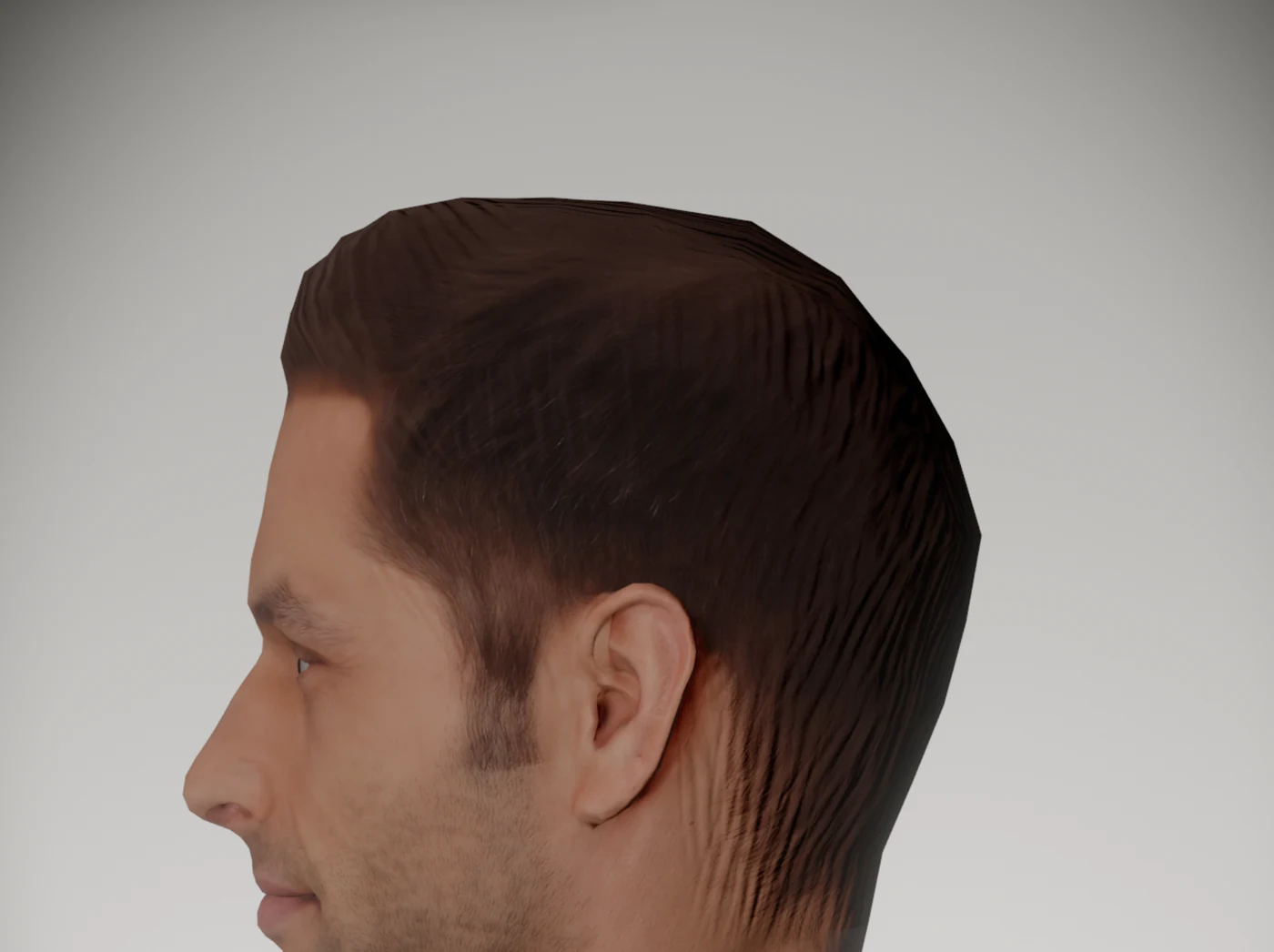
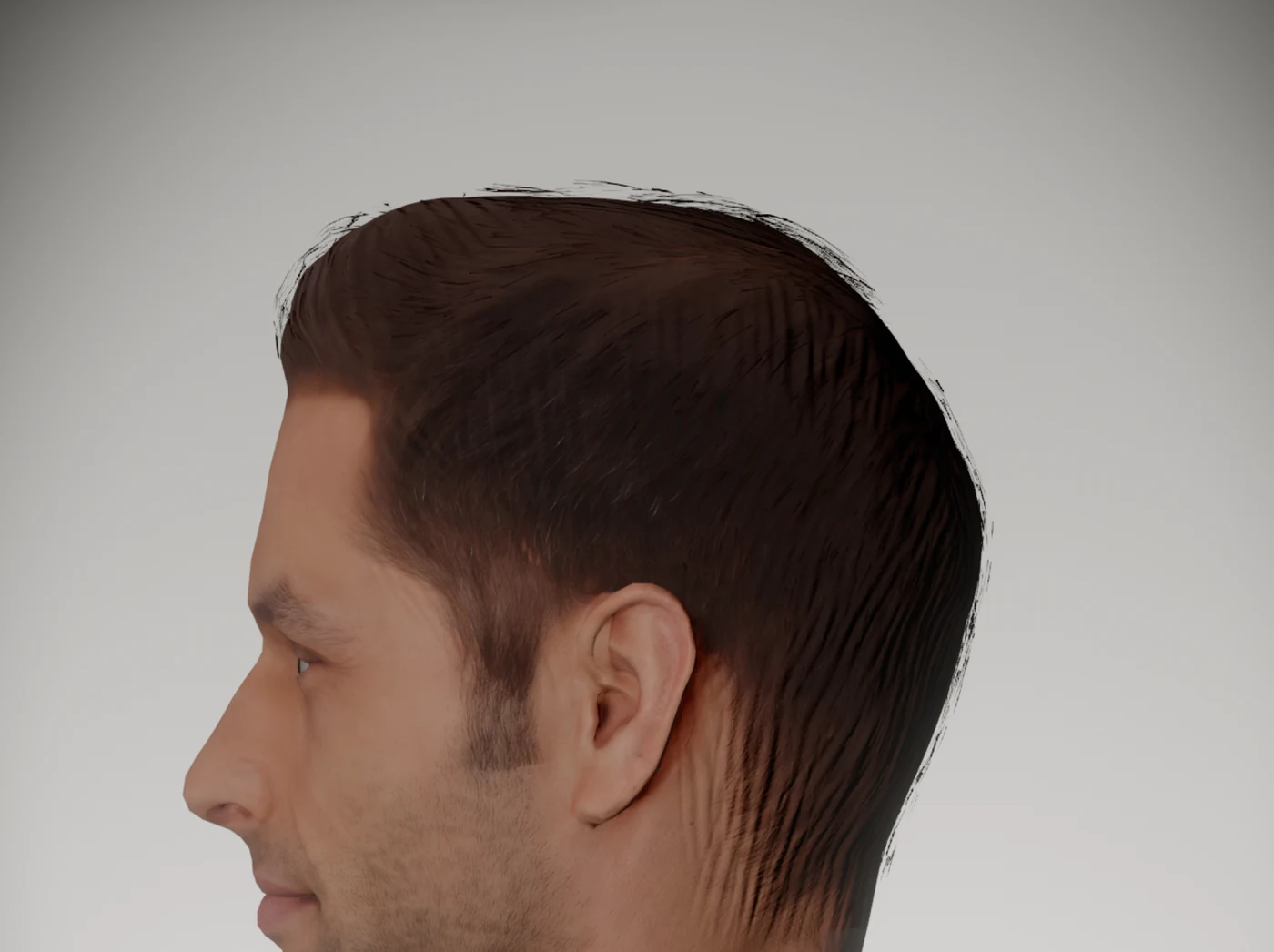
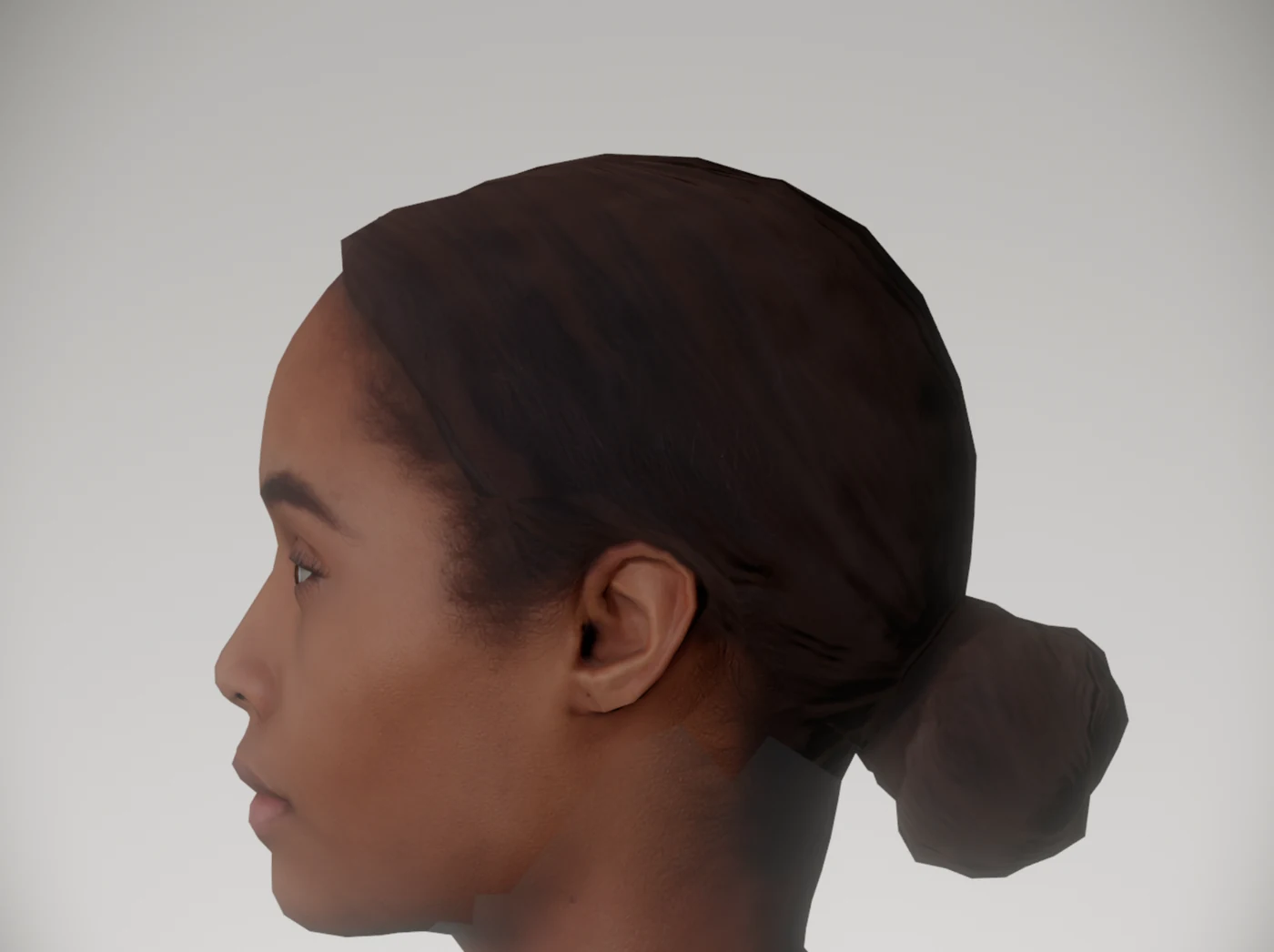
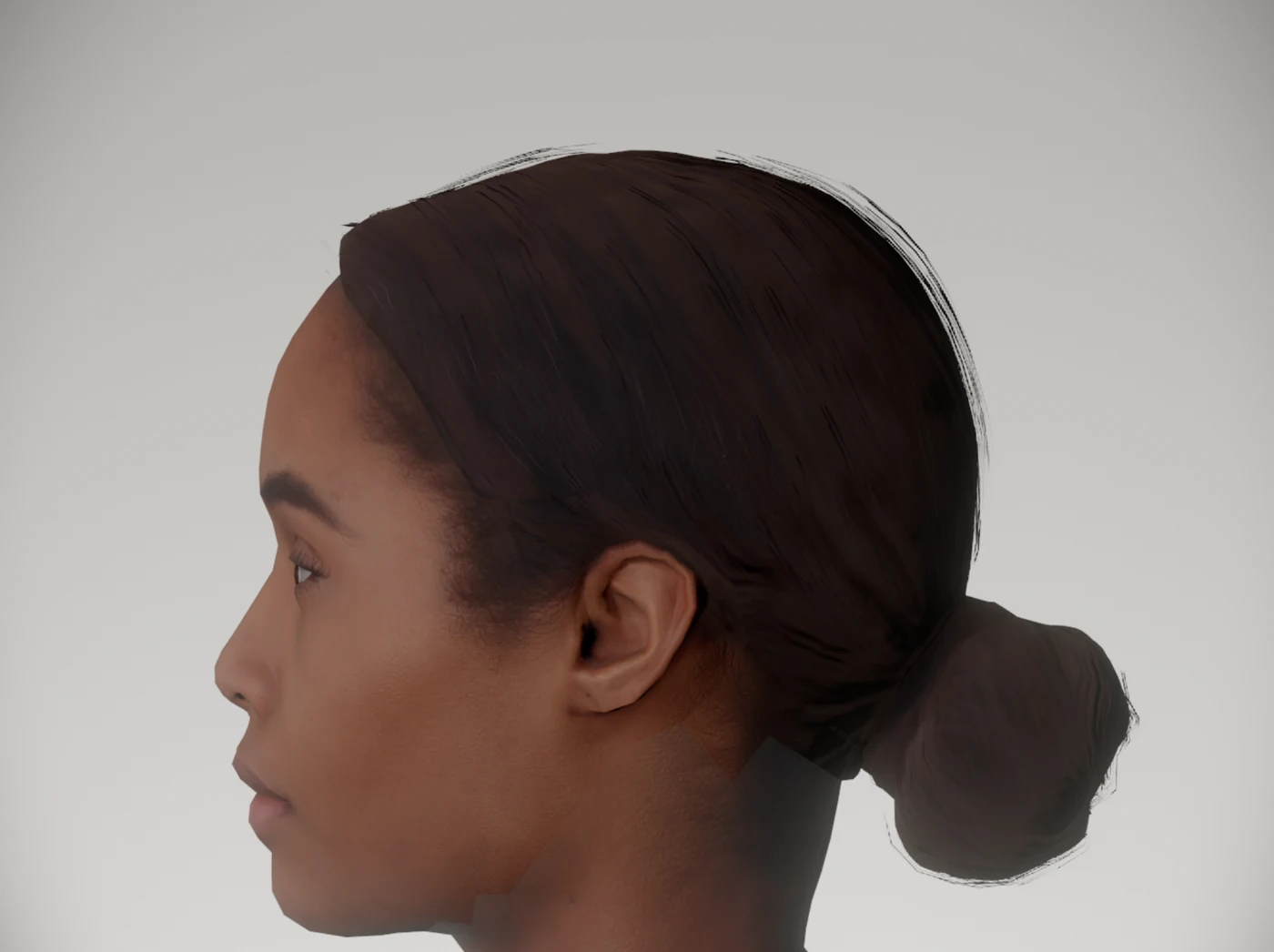
Hair for the scanned people, before and after: two of the three in profile, same light and same lens.